


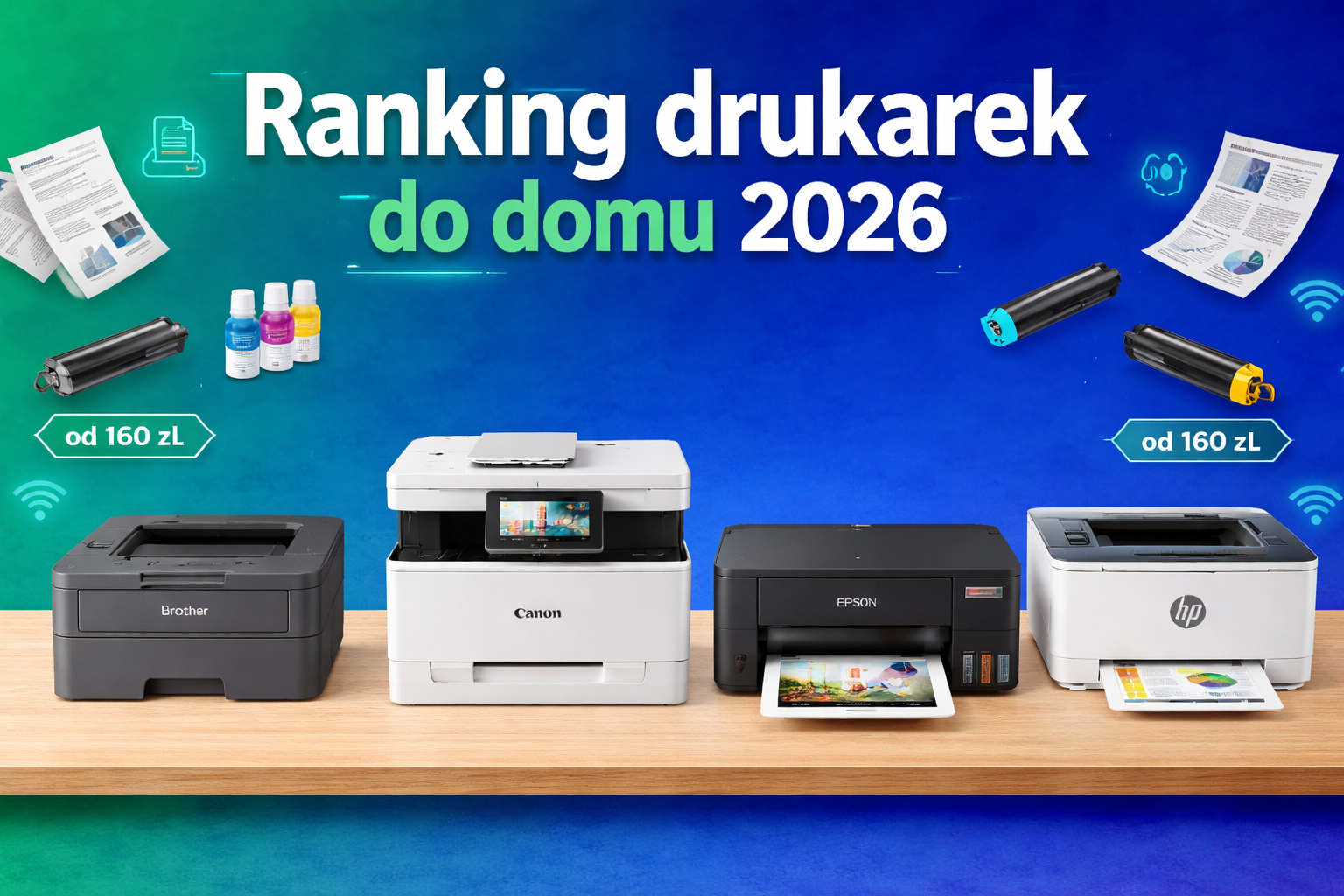
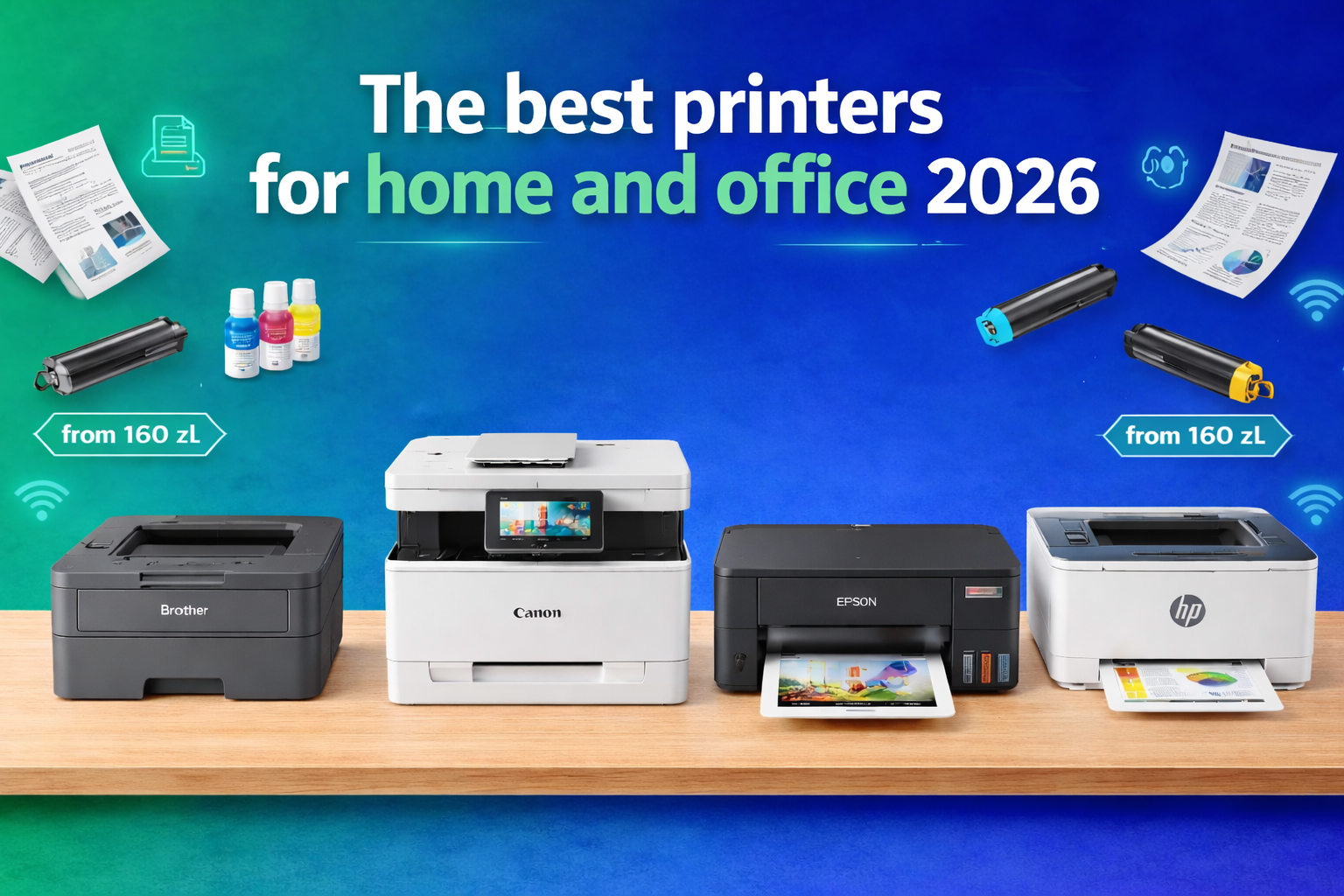
Complete Guide + Alternatives for Laser and Inkjet Printers You Need to Know
The printer market in 2026 is more complex than ever. Models priced at £35 might tempt you with their low entry cost, but they can ruin your budget with ink expenses. On the other hand, devices costing £300 offer years of stable performance, but not everyone needs that level of investment.
This guide was created based on real-world 2026 rankings and market data—including Komputronik's 2026 list, the February 2026 PurePC report, and bestsellers from Allegro, Ceneo, and user reviews. As a result, you get the most practical, unique, and up-to-date printer comparison for 2026.
1. How to Choose a Printer in 2026?
Choosing a printer is about mathematics and usage scenarios, not just "gut feeling." Before buying a new device, answer these three questions:
- How much do you print per month?
- Do you print in color or mostly text?
- Do you need a scanner and an ADF (Automatic Document Feeder)?
Laser, inkjet, tank, or color—only after defining your needs can you select a sensible model.
2. User Scenarios – Specific Models
A) Student: PDFs, text, notes (1–20 pages/week)
Best Choice:
➤ Brother HL‑L2442DW (Mono Laser)
2026 Bestseller.
- Why: Fast printing (up to 30 ppm), automatic duplex, very cheap toner, and no risk of ink drying out.
B) Family + School: Color, projects, homework
Best Choices:
➤ Epson EcoTank L3270 (Color Inkjet – Tank System)
#2 in the 2026 Komputronik ranking.
➤ Brother DCP‑T735DW (Color Inkjet – Tank System)
Allegro hit among CISS printers.
- Why: Printing costs often under 1p per page, ideal for color materials. The Brother includes an ADF, while the Epson provides very high photo quality.
C) Small Office / Freelance: Invoices, contracts, scans
Best Choices:
➤ HP LaserJet M140w (Mono Laser)
High sales and excellent reviews.
➤ Brother HL‑L2442DW (Mono Laser)
- Why: Fast printing, low cost per page, and stable Wi‑Fi.
D) Small Office: Color, presentations, marketing
Best Choices:
➤ Canon i‑SENSYS MF655CDW (Color Laser)
Recommended by PurePC for the color laser segment.
➤ HP Color LaserJet Pro 3202dw (Color Laser)
The latest compact color laser from HP.
- Why: Speeds up to 25 ppm, great colors, and an ideal compromise between home office and corporate use.
E) Simple & Cheap Printing Only – No Scanner
Best Choice:
➤ Epson EcoTank L1270 (Color Inkjet – Tank System)
- Why: Extremely low cost per page (approx. 0.5p), compact size. In 2026, your phone is effectively a full-fledged scanner.
3. 2026 Ranking – 10 Printer Models Worth Buying
- HP Smart Tank 580 (#1 in Komputronik 2026)
- Type: Color Inkjet – Tank System
- Best for: Home, school, micro-office
- Pros: Easy installation, good scanner, Wi-Fi/Bluetooth.
- Note: Uses HP+ ecosystem; users should consciously manage Instant Ink subscriptions to avoid automatic locks on third-party inks.
- Epson EcoTank L3270 (#2 in Poland)
- Type: Color Inkjet – Tank System
- Best for: Photos and school projects
- Spec: 5760×1440 dpi; Cost per page < 1p.
- HP DeskJet 2810e
- Type: Color Inkjet – Cartridge System
- Best for: Occasional printing.
- Note: Requires awareness of HP+ activation during setup.
- Brother DCP‑T735DW
- Type: Color Inkjet – Tank System
- Best for: Home office and school
- Pros: ADF, duplex, ink for 15,000 pages, Wi-Fi.
- Canon PIXMA G3410
- Type: Color Inkjet – Tank System
- Best for: Photos (Excellent color reproduction).
- HP LaserJet M140w
- Type: Mono Laser (Black & White)
- Best for: Text and invoices.
- Brother HL‑L2442DW
- Type: Mono Laser (Black & White)
- Best for: Students and general office use.
- Canon i‑SENSYS MF655CDW
- Type: Color Laser – Multifunction
- Best for: Corporate color printing.
- Epson EcoTank L1270
- Type: Color Inkjet – Tank System
- Best for: Ultra-cheap color printing without a scanner.
- HP Color LaserJet Pro 3202dw
- Type: Color Laser
- Best for: High-speed color printing.
4. Laser or Inkjet?
Ink Tank (CISS / EcoTank / Smart Tank)
- [+] Cheapest Printing: Bottled ink refills keep costs often below 1p per page.
- [+] Great Colors: Unbeatable for photos and school projects.
- [–] Risk of Clogging: Requires regular use (at least once every 2 weeks).
- [–] Speed: Usually slower than lasers, especially for double-sided docs.
Laser (Mono / Color)
- [+] Speed & Precision: First page prints almost instantly; text is razor-sharp and won't smudge under highlighters.
- [+] Low Maintenance: Toner is a powder—it never dries out. You can leave it for six months and it will work perfectly.
- [–] Entry Price: Laser devices (especially color) are more expensive upfront.
- [–] Color Cost: Printing in color on a laser is more expensive than on tank systems.
5. Worthwhile Alternatives
| Current Choice | Better Alternative | Why? |
|---|---|---|
| EcoTank ET‑4850 | Brother DCP‑T735DW | ADF + Duplex + 15k page ink yield. |
| Budget Inkjets | Epson EcoTank L1270 | Lowest possible cost; no scanner means lower price. |
| HP DeskJet | HP Smart Tank 580 | Drastically lower cost per page. |
| Basic Mono Lasers | Brother HL‑L2442DW | Includes automatic duplex (double-sided). |
| Old HP Color Models | HP Color LaserJet 3202dw | Much faster (25 ppm) and compact. |
6. 2026 Decision Table
| Use Case | Best Choice | Cost per Page | Highlight |
|---|---|---|---|
| Cheapest Color (No Scanner) | Epson L1270 | ~0.5p | Most affordable Tank system |
| Office with ADF | Brother DCP-T735DW | Very Low | ADF + CISS + Duplex |
| Fastest Color | HP Color LaserJet 3202dw | Medium | 25 ppm speed |
| Student / Text Only | Brother HL-L2442DW | Low | Mono laser + Duplex |
| Home & School | HP Smart Tank 580 | ~1p | #1 in 2026 rankings |
7. Which Printer to Choose in 2026?
- ✔ For cheapest color – Epson EcoTank L1270
- ✔ For easiest operation – HP Smart Tank 580
- ✔ For serious office work – Brother DCP‑T735DW
- ✔ For mostly text – Brother HL‑L2442DW
- ✔ For premium colors – HP Color LaserJet 3202dw or Canon MF655CDW
Regardless of the model, remember: The most expensive printer is the one that was a "bargain" at purchase but destroys your wallet with ink costs later.
And once you’ve picked your printer… ensure you have a stable internet connection. Modern printers rely on mobile apps, Wi-Fi, AirPrint, or the Cloud. With Lyca Mobile, you can choose an affordable data package perfect for hotspots, cloud syncing, and remote work. Our eSIM Offer options and flexible top-ups mean you only pay for what you actually use.
FAQ
1. Will an inkjet printer dry out if I don't use it for a month?
In 2026, modern tank systems (EcoTank, Smart Tank) have advanced head-cleaning cycles. However, the risk remains. If you print very rarely, choose a laser printer—toner powder never dries out.
2. What is a CISS (Tank) system?
CISS (Continuous Ink Supply System) uses large tanks you refill from bottles. It drops color printing costs from 10–15p (traditional cartridges) to under 1p.
3. Do I need a computer to set up a new printer?
Most 2026 models allow full setup via smartphone. Just use the manufacturer’s app via Bluetooth or Wi-Fi.
4. What does ADF mean?
ADF (Automatic Document Feeder) is the tray above the scanner that "swallows" a stack of pages (e.g., 20 sheets) and scans them automatically. Essential for office work.
5. Do third-party inks and toners work in new printers?
It depends. HP often uses software locks via HP+, requiring original supplies. If you want the freedom to use third-party inks, look for Brother models or Epson EcoTank systems.